Whether you play five-stack ranked nights, battle royale quads, or weekend co-op, here is how to turn your crew's photos and inside jokes into a custom poster.
Match the layout to your squad size
Different games have different party sizes, and picking a layout that matches your roster keeps every teammate prominent.
- Quad (4 panels): built for battle royale squads (Warzone, Fortnite, PUBG, Apex + coach, Helldivers 2, Lethal Company). Every player gets a full quarter of the poster.
- Feature (5 panels): ideal for 5-stack competitive teams (Valorant, Counter-Strike 2, League of Legends, Overwatch 2, Rainbow Six Siege). Put your IGL, MVP, or a group LAN photo in the tall left panel.
- Classic, Grid, or Shards (9 panels): great for whole Discord servers, clan anniversaries, or mixing real photos of your friends with your best clutch screenshots.
Title and numeral ideas that hit
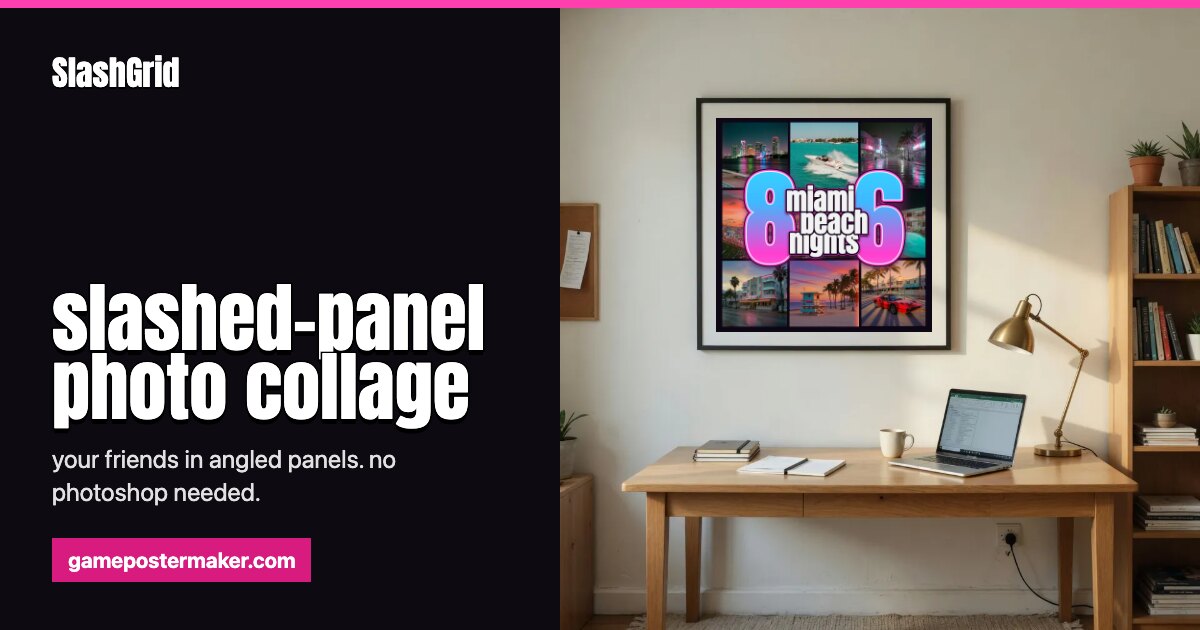
Instead of generic text, use your Discord server name, clan tag, or an inside joke for the three stacked lines. Set the big centre numeral to the year your group met (like 21 or 26), your party size (IV or V), or your current season number.
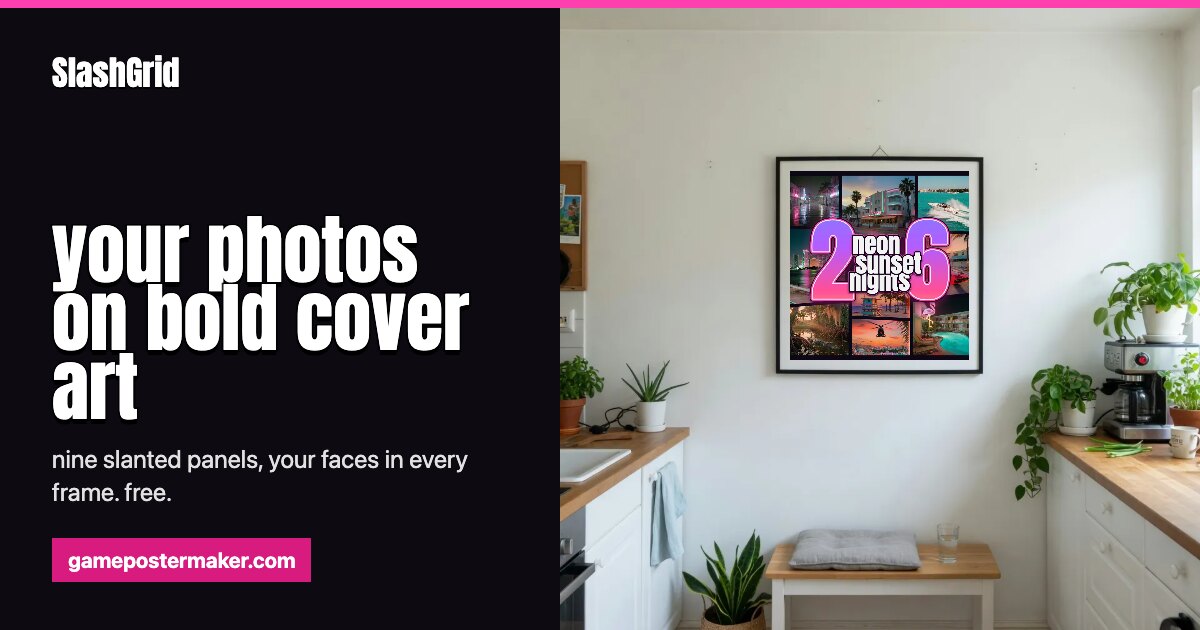
Pick the Squad palette for cool electric blues, Match day for bright esports greens, or Neon Sunset for late-night ranked vibes.
Where to use your finished squad poster
- Discord server icon or welcome channel banner
- Twitch offline screen or YouTube highlights thumbnail (export Logo only for transparent overlays)
- LAN party gift: export at 4096 × 4096 PNG and print a 40 × 40 cm framed copy for each teammate