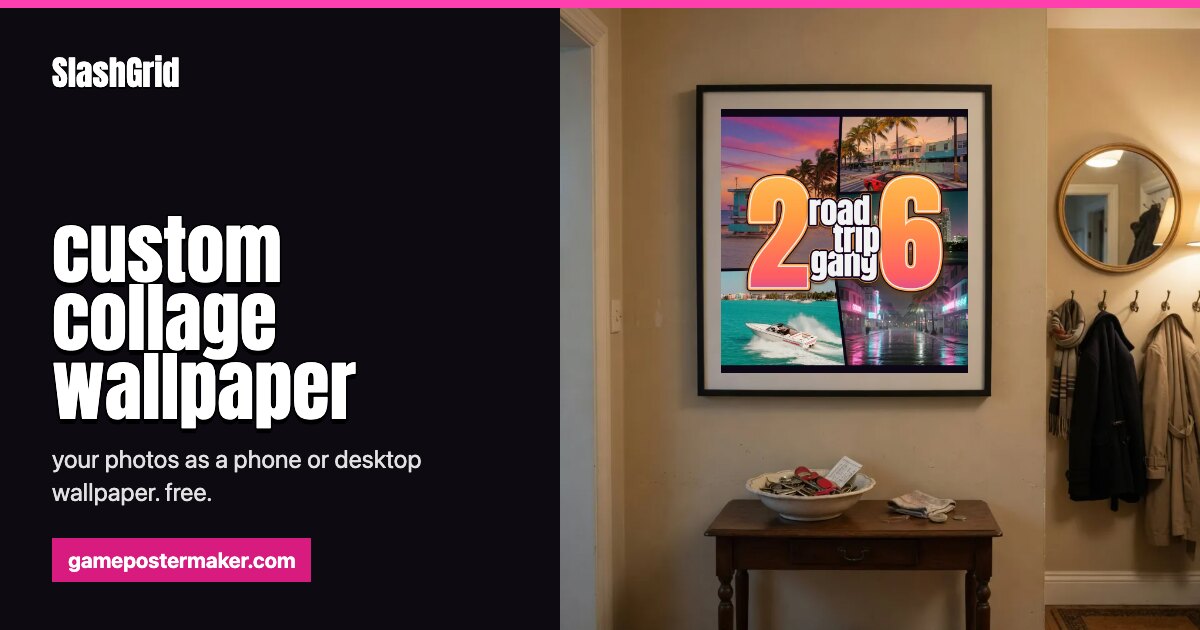
Generic mass-produced prints make every desk setup look the same. Framing a custom 4K collage of your own crew, trips, or favourite moments costs less and looks ten times more personal.
Pick a standard square frame first
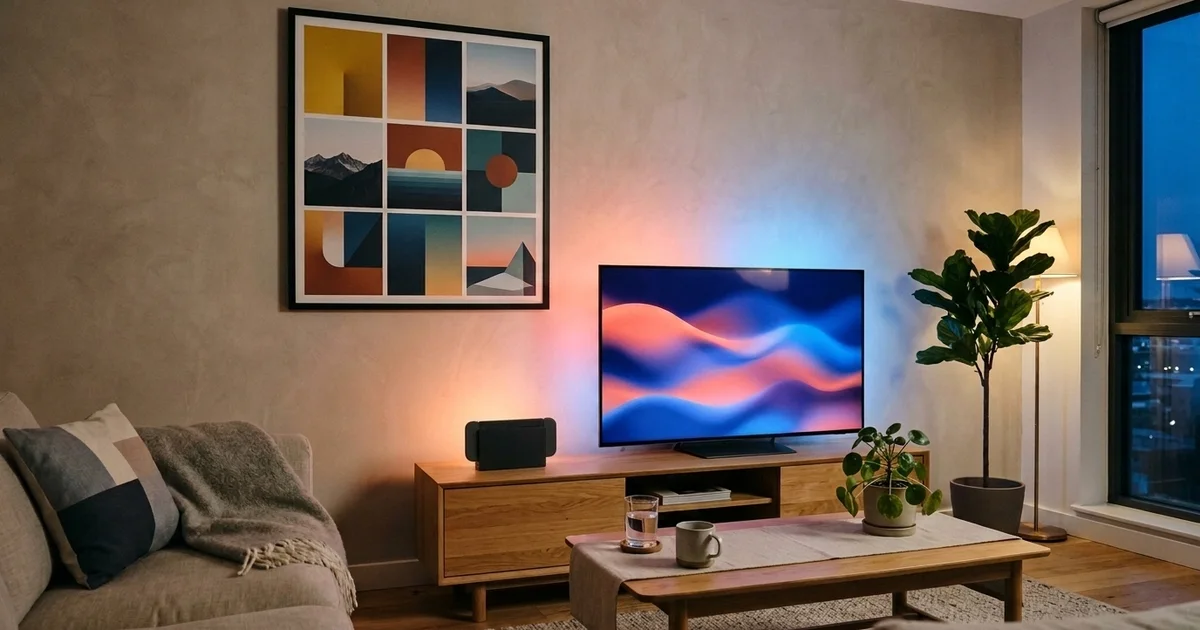
Custom framing is expensive, but standard square frames (30 × 30 cm, 40 × 40 cm, or 50 × 50 cm, such as IKEA Lomviken or Ribba) are widely available and affordable.
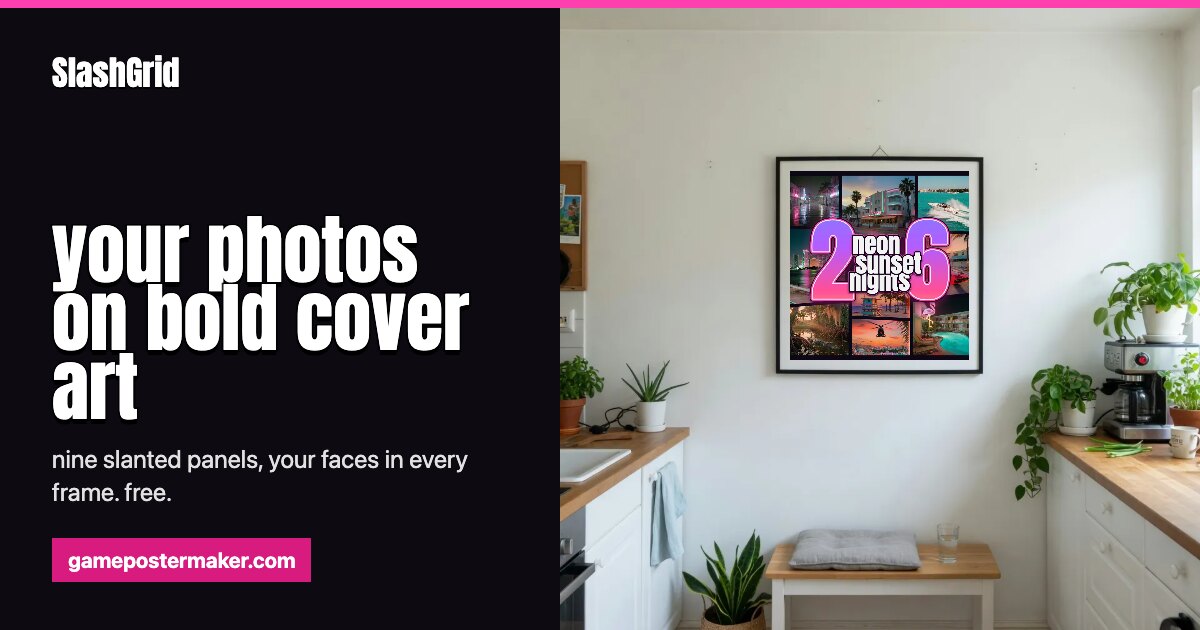
Because SlashGrid exports a true 1:1 square at 4096 × 4096 PNG in the Print preset, your poster drops straight into a square frame with zero awkward cropping.
Match your poster palette to your desk lighting
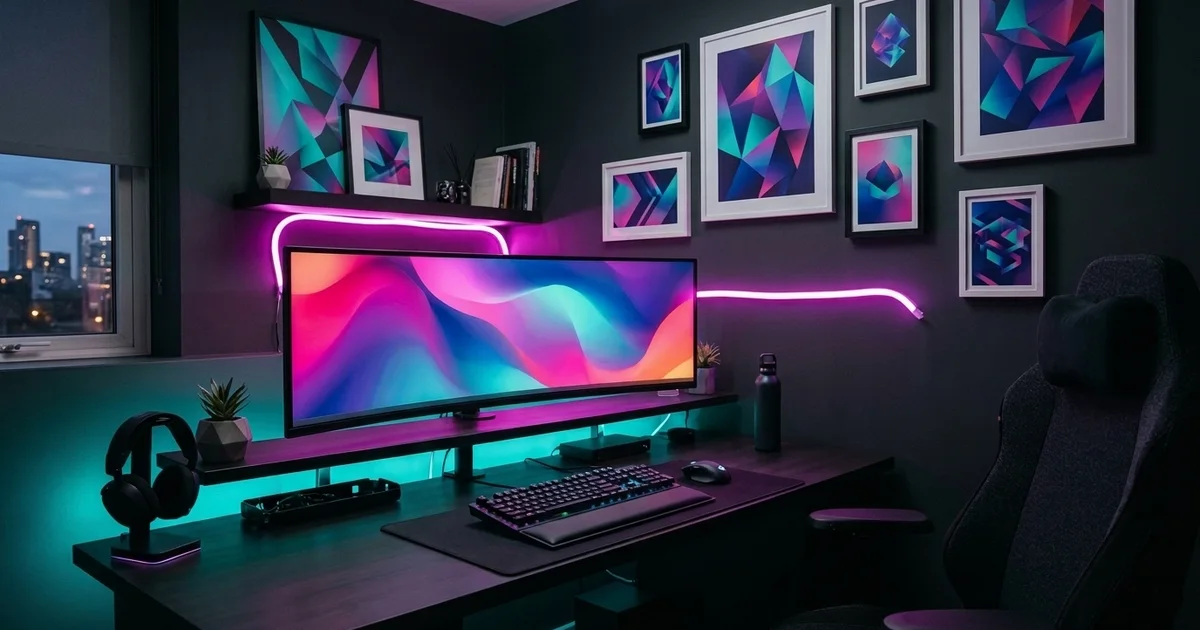
- Magenta and cyan RGB strips: pair with Neon Sunset or Miami Nights so the print echoes your bias lighting.
- Warm wood desk and Edison lamps: Golden Hour or Birthday palettes blend naturally with warm LEDs.
- Minimal black-and-white setup: Squad (cool blue) or Stag (deep crimson) gives the wall one focused pop of colour.
Test it in Room view before you print
Toggle the Room preview button inside the SlashGrid editor to see how your poster reads from across a room. If a title line feels cramped or a dark photo disappears at wall distance, swap it before paying for a print.