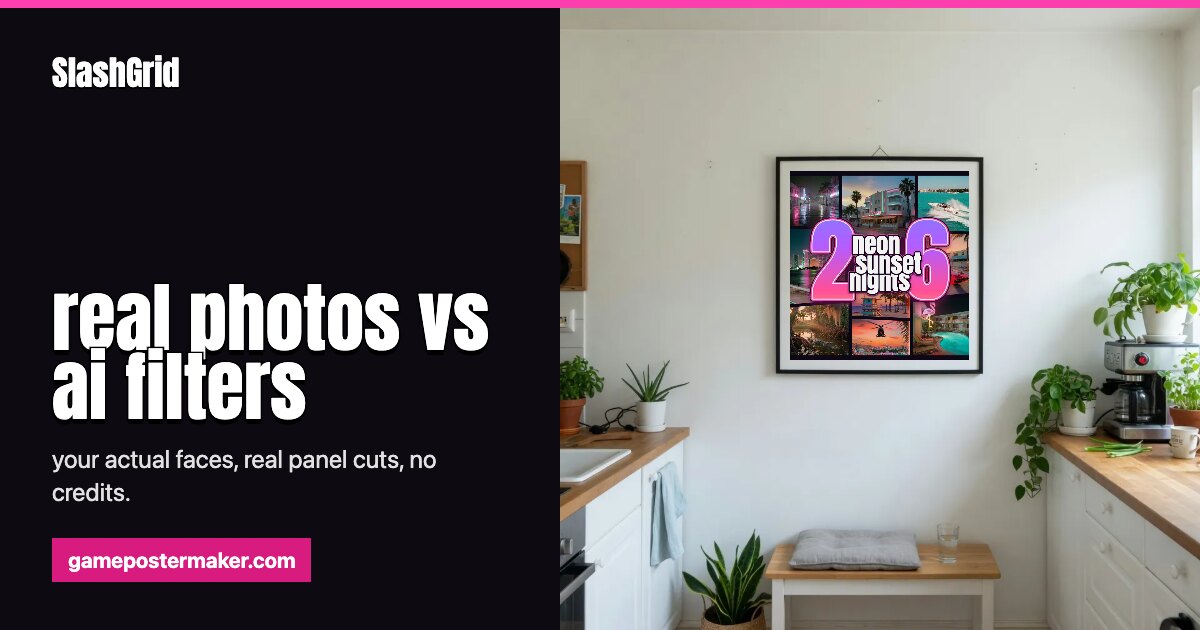
Slanted panels look dramatic, but tightly cropped selfies can lose a forehead or chin on a diagonal edge. Here is how to pick shots that land cleanly every time.
Give faces a little headroom
SlashGrid automatically aligns uploaded photos toward the upper-middle of each panel so faces stay visible. Photos taken slightly further back (chest-up portraits or waist-up shots) work much better than extreme close-ups where the top of the head already touches the edge.
Put your best shots in the outer and top panels
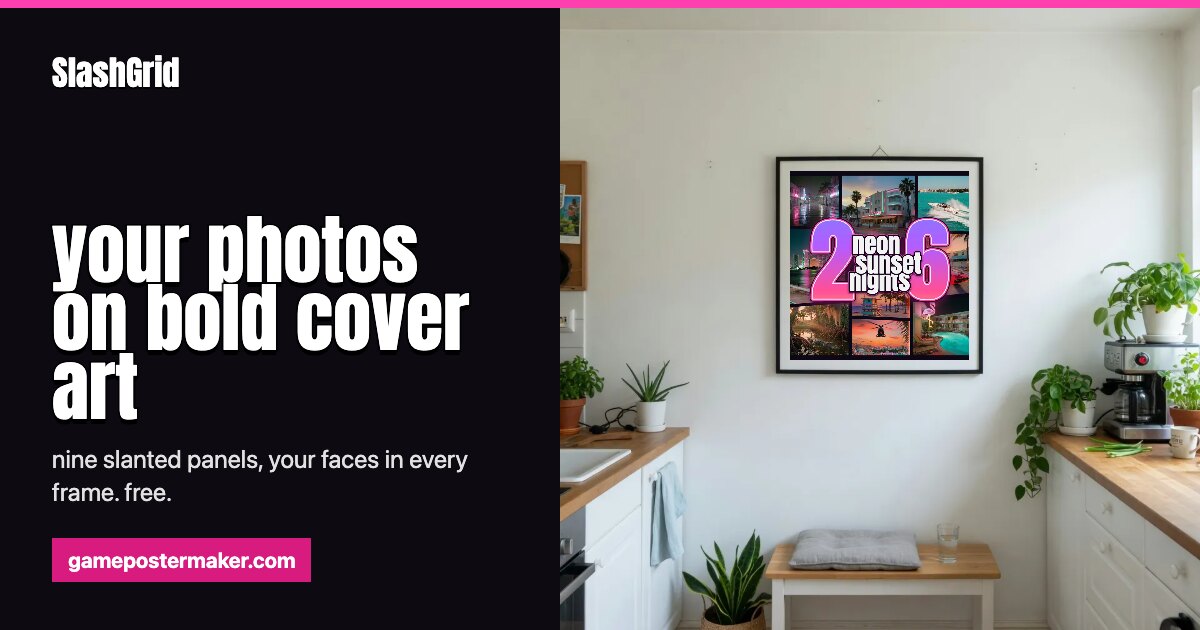
The centre panel sits directly behind the stacked title and numeral. Save your clearest faces for the top-centre, mid-left, mid-right, and corner panels, and drop a scenic shot, skyline, car, or wide group photo into the middle slot.
Mix close-ups with wide action shots
- 4 to 5 portraits of people looking at the camera
- 2 to 3 wider lifestyle, vehicle, pet, or holiday shots
- 1 atmospheric background shot (sunset, stadium, city street, or party lights) for the centre behind the title